
How to create a new Team in Microsoft Teams

Would you like to create a new team in Microsoft Teams?
When you first begin working in Microsoft Teams you will usually be working with teams which have already been created by other people within your organisation. However, there may be times when you want to create a new team yourself.
When you create your own team, you can add members to it, so you can collaborate with them. You can then send them messages, share files, participate in video chats, work together on projects, and so on.
The steps to creating a Team are as follows.
- In the Microsoft Teams sidebar, click on Teams to display the Teams tools and options in the middle and right panes of the Teams window
- Next, at the bottom of the middle pane, click on Join or Create a Team
- Then, click on Create a Team in the right pane, which will open the next window

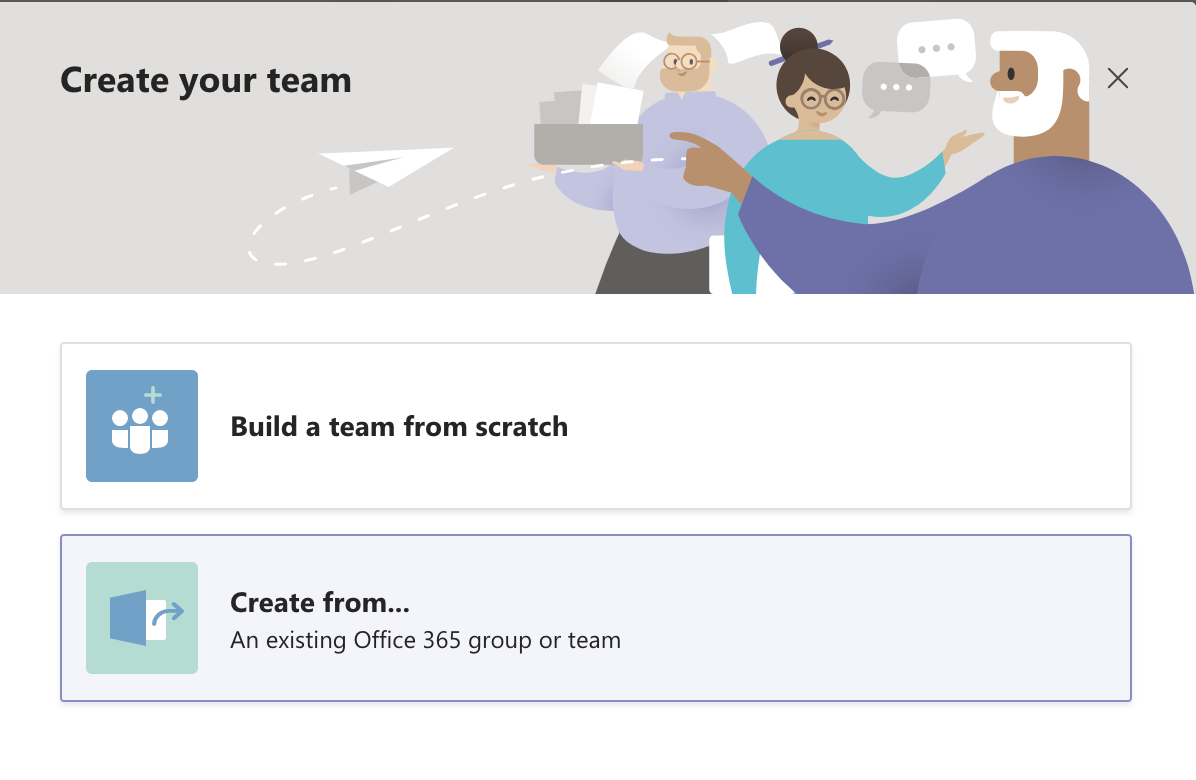
- In the Create your Team window, you can choose to Build a Team from scratch, or Create your new Team from an existing Office 365 group or team
 5. Next, choose your Team’s Privacy Level.
- Select Private if you only want the people who are part of your team to view the team’s content.
- Select Public if anyone in your organisation can join your team.

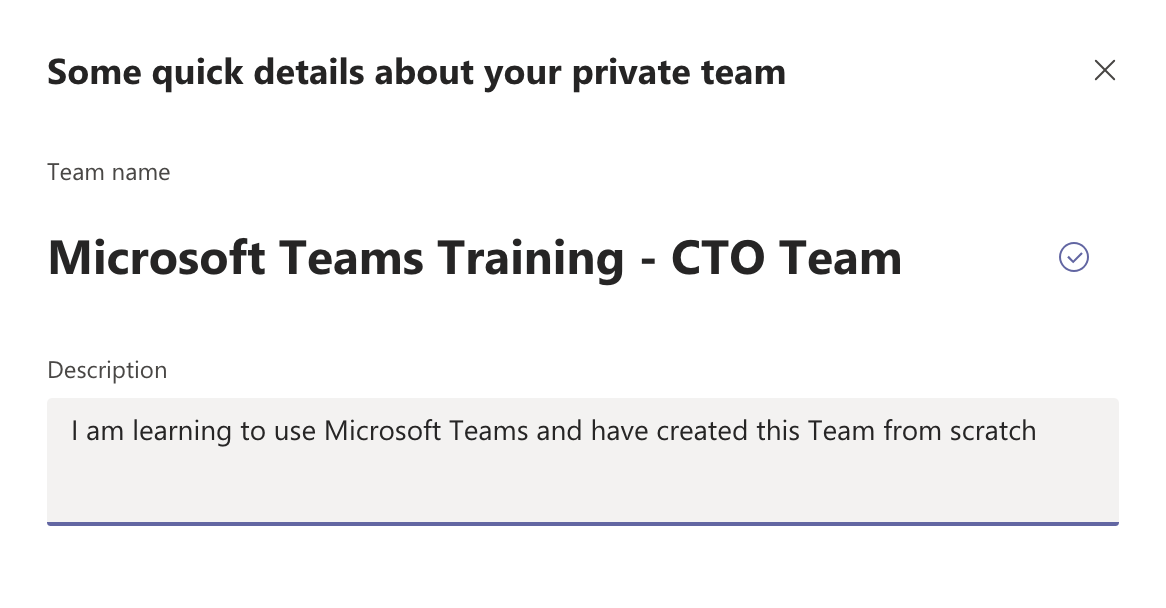
- Give your Team a name and complete the team details, then click on Create
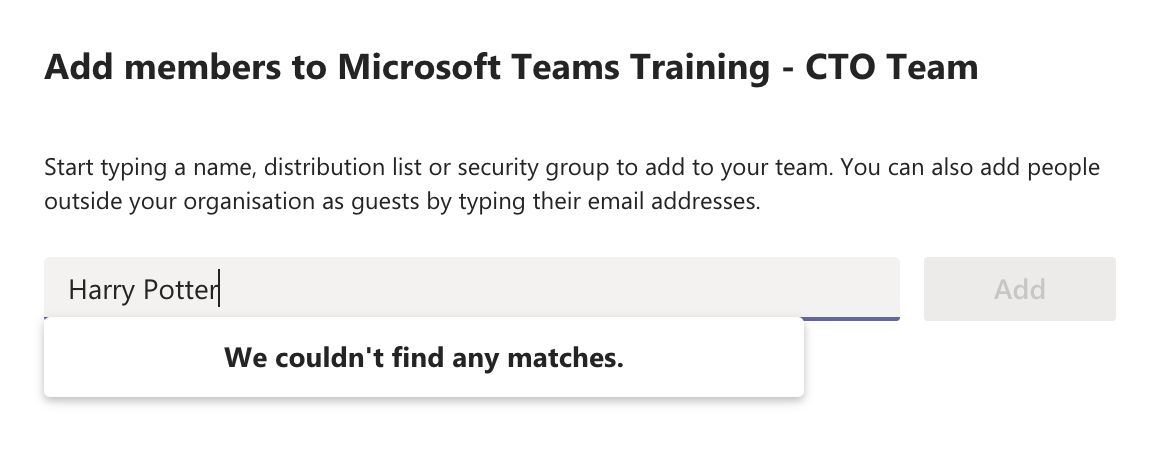
7. Next, add your team members, or skip this step if you prefer.
8. Your new Team will now be created. From here, you can continue to add more people to your team or create new channels if you prefer. You can also start a new conversation from this window.

If you require Microsoft Teams training in your organisation, please don’t hesitate to contact us.
We can customise your Teams training to suit your requirements and present your training on dates which suit you.

Our recent blogs

Courses
Company
Locations
Training delivered Australia-wide