Ranked Among Australia’s Top 20 Corporate Training Providers (2026): View Courses

CTO Leadership Webinar – Leading Virtual Teams

Leading Virtual Teams is the New Challenge that you Can’t afford to fail at.

The past few months have made it clear that the future is Virtual. However, it would be silly to pretend that connecting with your workforce online is always simple and straightforward.  In fact, it can be hard.

This week, our Leadership Webinar will focus on the challenges of leading virtual teams.  CTO Leadership Expert Mal Reid will take you through the best methods for dealing with these challenges.

Join us for only 15 minutes to learn:

  • The pros and cons of leading a virtual team
  • Challenges to overcome
  • Practical tips and tricks on using technology to support your leadership style

And More!

View Our Webinar:

The Modern Workplace

CTO Technology Webinar – The Modern Workplace

The Modern Workplace

To Win in the Marketplace You must First Win in the Workplace

It’s no secret that todays workplace is ruled by technology that seems to evolve far to fast to keep up with!  Being efficient means being advanced at using every tool available to you, but there are so many tools that it sometimes feels overwhelming!

This Technology Webinar will be presented by our Special GuestJon Barrett, from Microsoft.  

As Microsoft’s Modern Workplace Expert, Jon will guide us through the ins and outs of todays Modern Workplace.

In this short presentation you will learn:

  • How Microsoft 365 powers the Modern Workplace with one bundle of products
  • The right digital tools to connect and support your team
  • Seamlessly integrated productivity apps including Microsoft Teams & Outlook

And of course how YOU can stay ahead of the rapidly changing world of today’s workplace.

Webinar Bonus:

Learn what Your Modern Workplace can look like!

View our Webinar today!

Microsoft OneDrive Webinar

CTO Technology Webinar – Microsoft OneDrive

Do you need shared file storage, easy access to the cloud & an excellent backup solution in your Business?

Microsoft OneDrive is Microsoft’s coveted online storage service for hosting files in the cloud. OneDrive offers a simple way to store, sync and share your files across your organisation.

Why use OneDrive over other cloud services?

  • Fast access from any device, including your phone.
  • Backs up your files automatically to keep them safe even if your hard drive fails (or when you drop your phone one too many times)
  • OneDrive comes with 5GB of free storage, and up to 1 TB for each user is included in the Office 365 Essential’s package for Businesses

And, of course, OneDrive is seamlessly integrated with other Microsoft Office 365 programs.


CTO Trainer - Gordana


In this Webinar, CTO Technology Expert Gordana Marinkovic will show you how to get started using OneDrive, and the top tips for getting the most out of it!

Webinar Bonus: Learn how to sync your files with OneDrive automatically!


View our Technology Webinar below.


Dynamics CTO

CTO Technology Webinar – Microsoft Dynamics 365

Dynamics CTO

CTO Technology Webinar – Microsoft Dynamics 365

Are you getting 100% out of every Lead and Interaction with your Customers?

Dynamics is a powerful CRM tool integrated with Office 365 programs and Enterprise Resource Planning tools, with over a dozen apps created to bring you the data you need and help you figure out what to do with it!

The top 3 reasons to Choose Microsoft Dynamics 365 for your CRM

In this short presentation, Technology Expert Gill Walker will show you:

  • How to manage any relationship from Go to Whoa
  • How you can do business anywhere
  • How to save time with Smart Processes

And many other great reasons why Dynamics should be your CRM of choice.

In this weeks Webinar, learn the basics of Microsoft Dynamics 365 and how you can start taking advantage of them today!

Webinar Bonus: Learn how you can save time with Smart Processes in Dynamics

View our latest Webinar

Power BI Webinar

CTO Technology Webinar – Microsoft Power BI

Power BI Webinar


CTO Technology Webinar – Microsoft Power BI

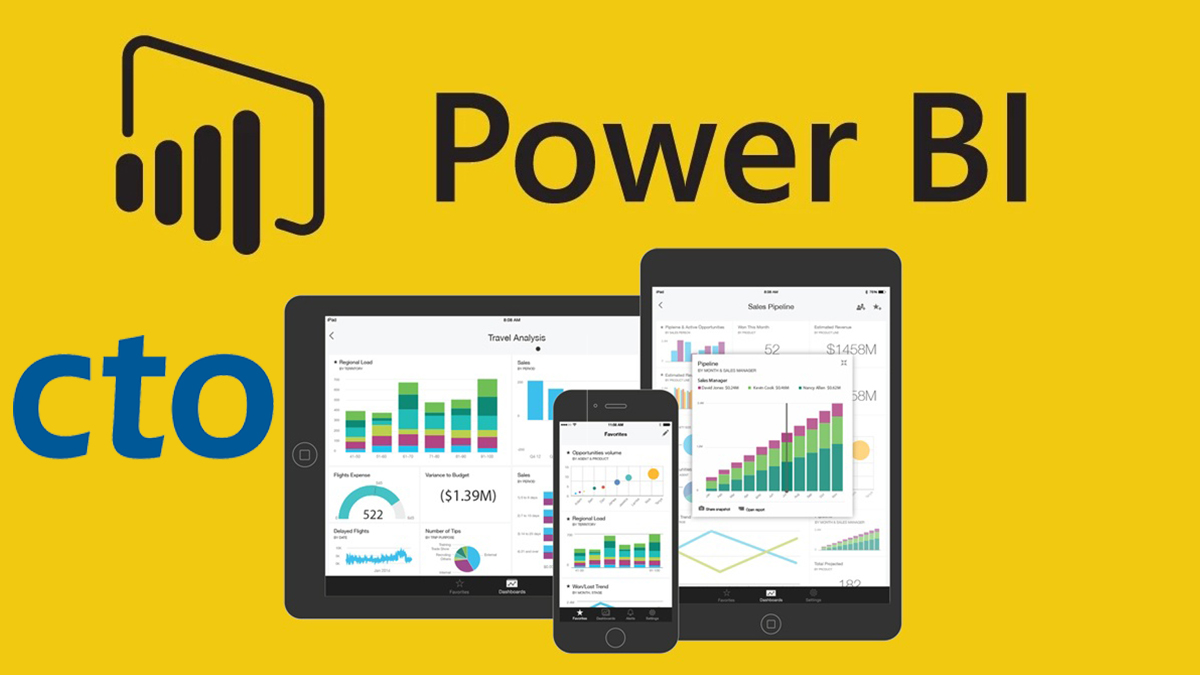
Everything you’ve ever wanted to know about Power BI – in Ten Minutes!

Microsoft Power BI (Business Intelligence) is a cutting edge Data Analytics tool designed to bridge the gap between data and decision making.

It aims to create amazing data experiences by allowing users to easily connect to, model & visualise data in ways that are personalised to your Organisations needs.


In this Webinar, Technology Expert Gill Walker will show you:

  • What is Microsoft Power BI?
  • Why you should use Power BI compared to other data analytics tools
  • The anatomy of Power BI

Learn the basics and how YOU should be taking advantage of Power BI in CTO’s Technology Webinar on June 11.

Webinar Bonus: Learn how to view an extensive range of data through Power BI interactive reports and dashboards.

CTO Webinar: How to run meetings in Microsoft Teams

CTO Technology Webinar – Meetings in Microsoft Teams

CTO Webinar: How to run meetings in Microsoft Teams

CTO Technology Webinar – How to Schedule & Run Meetings in Microsoft Teams


Want to know how to stay connected with your Team during this crisis?

With online meetings in Microsoft Teams.

Teams is a unified communication and collaboration platform that combines workplace chat, video meetings, file storage, and application integration.

Teams gives new meaning to the word ‘efficiency’, with its streamlined interface allowing you to never miss a beat, and almost feel like you’re still at the office.

When you learn how to run your Teams meetings efficiently, you will ensure your organisation is staying ahead of the curve in these uncertain times!


In this CTO Technology Webinar, Microsoft Teams Expert, Rosy King, will show you how meetings in Teams can transform productivity and increase team engagement.
  • Why you should use Teams, not Zoom
  • How to organise a quick meeting on the fly with both internal and external attendees
  • The most effective way to set up scheduled meetings to ensure engagement


Webinar Bonus
Learn how to set up a really cool background, instead of showing off the spare bedroom at home 😊
It’s difficult for all of us at the moment, however, we still need to be professional.


Leadership Versatility

CTO Leadership Webinar – Leadership Versatility

Leadership Versatility

CTO Leadership Webinar – Leadership Versatility

Do you want to become an effective Leader?

In this Webinar we will explore the value of leaders reflecting on themselves and using Versatility to gain the support and respect of their colleagues and direct reports.

This enables a leader to achieve improved performance results from others.

You will also learn how to plan your meetings in relation to your audiences’ needs, and understand how reflection on your own leadership style can lead to positive outcomes for all.

Jacky Hanan is an experienced executive leader with over 25 years of experience in leading large teams through significant change and transformation.

Jacky has completed the Advanced Management Program with Harvard Business School in Boston, an MBA with RMIT and the Marketing & Global Business program with Brest Business School, FR.


Webinar Bonus:

Discover what kind of Leader you are, and how you can use it to strengthen your organisation.

CTO Technology Webinar – Microsoft Planner

Is your business using planning & organisation to their full potential?

Microsoft Planner is a tool that gives you a visual way to organize teamwork. You can create new plans, organise and assign tasks, share files, chat about what you and your team are working on, set due dates, and update status.

Microsoft Planner also offers the ability to associate documents with specific tasks, edit them together, and have conversations around tasks.

Ben Kirk is an advanced applications trainer with 25 years of experience of training ranging from globally connected online classes to local, in-person classes. Ben has completed an Advanced Diploma of Business Systems, the Microsoft Office Master Specialist course, and a Certificate IV in Workplace Training and Assessing. Ben is an experienced end-user and an even more experienced teacher.

Webinar Bonus: Learn the Top 3 Tips for using Microsoft Planner in your daily work

CTO Leadership Webinar – Understanding Behavioural Styles

Do you understand how your behavioural style can impact others, and your own performance as a leader?

In this weeks Webinar we will cover the value of observing others behaviours and using communication to create positive outcomes for your business.

Industry expert Jacky Hanan will help you understand:


  • how reflection on your own leadership style can enable you to achieve improved performance results from others


  • the value of observing others behaviours


  • how your own performance as a leader impacts others


Jacky is an experienced executive leader with over 25 years of experience in managing large teams and individuals through significant change and transformation.

Jacky has completed the Advanced Management Program with Harvard Business School, Boston, US, an MBA with RMIT and  the Marketing & Global Business program with Brest Business School, FR.

Webinar Bonus: Understand how adapting to behaviours can be a win-win for you and your colleagues. 

Join our Leadership Webinar on 19 May, to learn 3 essential behaviours that any great leader should have within their organisation!

CTO training in Microsoft OneNote

CTO Technology Webinar – Microsoft OneNote

CTO Technology Webinar - Microsoft OneNote

CTO Technology Webinar – Microsoft OneNote


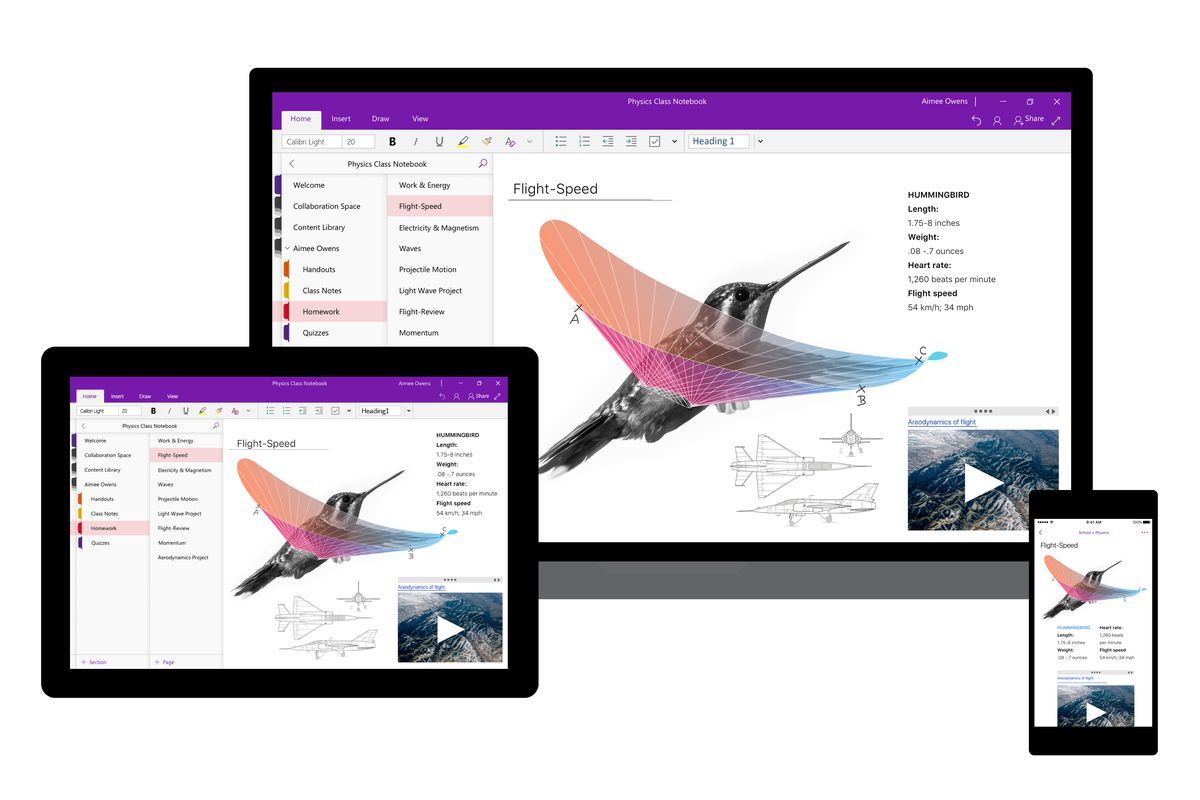
Why should you be using OneNote?

The more you learn about OneNote, the more likely you are to embrace it.

Often described as the swiss-army knife of note-taking, OneNote is versatile and adapts to your note taking preferences, allowing you to organise your digital notebooks in ways that make sense to you.

OneNote is designed to be the ultimate in digital note-taking, and gives you a very broad canvas to work on.  You can use it for sharing and presenting content, instant and real-time collaboration and streamlined note taking.

It’s true value, however, is being able to retrieve your information whenever you need it, no matter where you are.


Join our Technology Webinar on 7 May, to learn 3 great reasons your business should be taking advantage of OneNote – the ultimate in digital note taking!


In this CTO Technology Webinar, Microsoft OneNote Expert, Rob Howarth, will demonstrate how OneNote can transform your productivity.
  • See OneNote in action, recording ideas and information on the go
  • Learn how OneNote enables collaboration in real-time
  • Discover how OneNote can work with other Office 365 programs

Webinar Bonus
Learn how OneNote will help you organise your work, even if your’e not very tech savvy.

CTO Technology Webinar – Microsoft OneNote

  • 1
  • 2