Ranked Among Australia’s Top 20 Corporate Training Providers (2026): View Courses

Microsoft Copilot Studio training

Design and deploy custom AI chatbots that answer questions, automate requests and reduce repetitive work for your team

About Microsoft Copilot Studio training

CTO delivers customised Microsoft Teams training across Australia, covering meetings, channels, chat, file collaboration, notifications and best-practice use of Teams as the central hub for team communication. Available at Introduction and Advanced levels, all sessions are tailored to your team’s actual workflows and usage patterns. Onsite anywhere in Australia or live online.

Microsoft Copilot Studio TrainingMicrosoft Copilot Studio training – customised for your team

Microsoft Copilot Studio is the low-code platform for building custom AI-powered chatbots and agents using your organisation’s own data and knowledge. Instead of general-purpose AI, you build a bot that knows your policies, your processes and your systems and can answer questions or take action on behalf of users.

CTO’s Copilot Studio training covers the full build cycle: designing conversation flows, creating topics that handle user intent, connecting the bot to knowledge sources and documents, triggering Power Automate flows for action-taking, and deploying the bot to Microsoft Teams or a web channel.

Who should attend

  • Business analysts and process owners who want to build an FAQ or process automation bot
  • IT professionals building self-service chatbots to reduce help desk volume
  • Teams with large knowledge bases – policies, procedures, FAQs – that could be made searchable through conversation
  • Power Platform users expanding from Power Automate into conversational AI
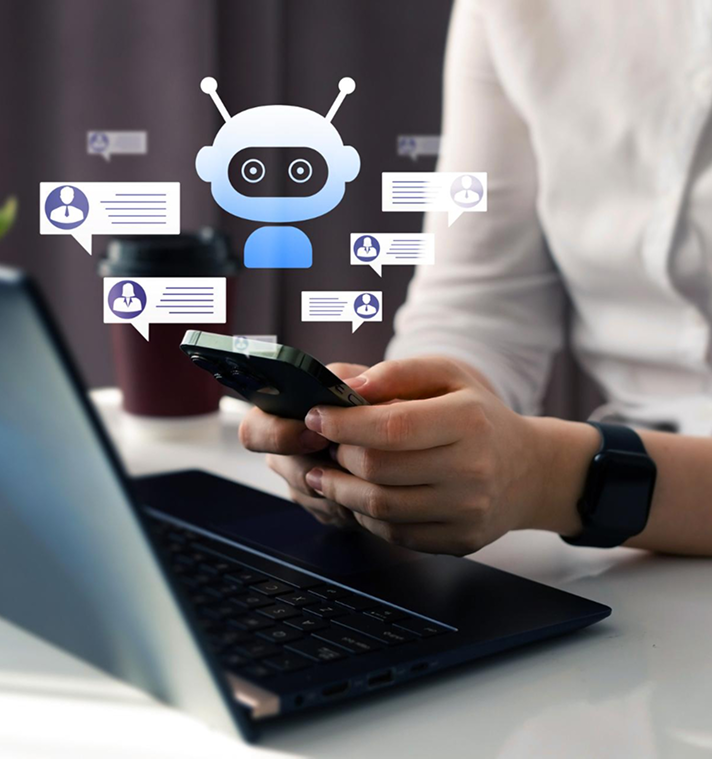
The Microsoft Copilot Studio training pathway

  • What this course covers

    The course covers the Copilot Studio environment and core conversational AI concepts, then moves into building a working bot.

    Bot design and topic creation

    • The Copilot Studio interface: topics, entities, variables and the authoring canvas
    • Designing a bot: defining scope, user intents and conversation flows before building
    • Creating topics: trigger phrases, message nodes, question nodes and branching logic
    • Using entities to capture structured information from user input
    • Connecting the bot to knowledge sources: SharePoint documents, websites and custom data

    Actions, testing and deployment

    • Calling Power Automate flows from within a bot for action-taking beyond conversation
    • Using adaptive cards to present structured information and capture user responses
    • Testing bots in the test pane and iterating based on conversation quality
    • Analysing bot performance using Copilot Studio analytics
    • Deploying to Microsoft Teams and configuring the Teams app for end users
    • Managing bot environments, access and publishing lifecycle

    Course at a glance

    Intermediate
    1 to 2 days
    Power Automate familiarity recommended
    Onsite, online or hybrid
    Power Automate Advanced or Power Apps

    Ready to use Copilot for real productivity gains?

  • Who this course is designed for

    Designed for IT professionals, business analysts and Power Platform users who want to build custom conversational AI solutions without a development background. Familiarity with Power Automate is helpful for the action integration elements. Both one-day and two-day options available.

    Course at a glance

    Intermediate
    1 to 2 days
    Power Automate familiarity recommended
    Onsite, online or hybrid
    Power Automate Advanced or Power Apps

    Ready to use Copilot for real productivity gains?

  • What you will be able to do

    By the end of this program, participants will be able to:

    • Design a coherent bot conversation structure before touching the Copilot Studio canvas
    • Create topics with correct trigger phrases, branching and entity capture
    • Connect the bot to SharePoint and document knowledge sources for FAQ-style responses
    • Trigger Power Automate flows from a bot conversation for real action-taking
    • Test and iterate on bot conversations using the built-in test pane and analytics
    • Deploy a working bot to Microsoft Teams and manage its access and publication

    Course at a glance

    Intermediate
    1 to 2 days
    Power Automate familiarity recommended
    Onsite, online or hybrid
    Power Automate Advanced or Power Apps

    Ready to use Copilot for real productivity gains?

  • How CTO delivers this training

    Before the session

    CTO works with the organising contact to identify the specific bot use case FAQ bot, process automation bot or hybrid and the knowledge sources and systems involved. The session is built around designing and building this specific bot.

    During the session

    Participants design and build a working bot during the session based on your identified use case. Power Automate integration is demonstrated and practised using connections relevant to your environment.

    After the session

    Participants receive a bot design framework and topic creation guide. Power Apps training is available for teams wanting to complement conversational interfaces with structured form-based data capture.

    Course at a glance

    Intermediate
    1 to 2 days
    Power Automate familiarity recommended
    Onsite, online or hybrid
    Power Automate Advanced or Power Apps

    Ready to use Copilot for real productivity gains?

Ready to build a chatbot that actually solves a real problem?

Talk to a CTO specialist about Copilot Studio training for your team.